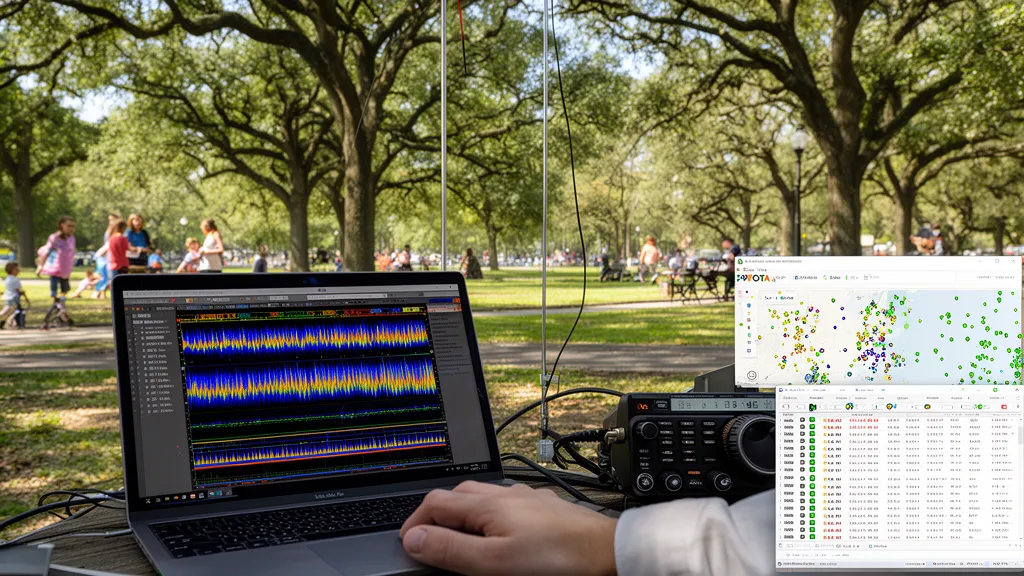
Operator’s Verdict: FT8 for POTA: When SSB gets no replies, FT8 gets contacts. A spotted FT8 session on 20m in marginal conditions typically produces 10+ contacts within 15 minutes. Required: laptop or Android tablet with WSJT-X, audio interface cable, GPS time source. Setup time: 10–15 minutes at the park.
Why FT8 Changed POTA
Before FT8, POTA activations in marginal conditions — low SFI, high Kp, cloudy day with short antenna — sometimes failed to achieve the 10-contact minimum. A QRP station in a forested park on 20m SSB with Kp 4 might hear weak signals but get no replies.
FT8 changed this. The mode decodes signals at -21 dB SNR — approximately 20 dB below the intelligibility threshold of SSB. In practical terms:
- A signal that cannot be heard with headphones and full concentration is often decodable by WSJT-X
- 5 watts FT8 makes contacts that 100 watts SSB cannot on the same conditions
- A spotted POTA activator on FT8 attracts chasers from thousands of kilometres away even with poor conditions
Pro Tip: Before heading to the park with your FT8 setup, check DXRadar’s best bands now to see which bands have active PSKReporter spots. If 20m is packed with FT8 spots, that’s your band. If spots are sparse, the solar weather dashboard will tell you if SFI or Kp is the bottleneck — and whether waiting an hour might improve conditions.
Field Equipment for FT8
Minimum kit:
- HF transceiver with USB audio interface (or built-in USB)
- Laptop or tablet running WSJT-X
- GPS USB dongle for time sync (or internet-synced phone as hotspot)
- Your normal portable antenna
Laptop vs Android tablet:
- Laptop (Windows/Mac): full WSJT-X, easiest setup, battery drain consideration
- Android tablet: developer WSJT-X builds available; some all-in-one solutions
- iPhone: limited options; Winlink iOS app with limited FT8 support
Most operators find a lightweight laptop (1–1.5 kg) the easiest solution. A 3-hour activation uses roughly 20–30 Wh — a 25,000 mAh USB-C power bank at 20V provides ample laptop power.
Time Synchronization in the Field
FT8’s 15-second transmit cycles require both stations to start at exactly the same second. PC clock drift of more than ~1 second causes decode failures.
Solutions for field time sync:
-
GPS USB dongle + BktTimeSync (Windows): A $20 GPS dongle connected by USB provides 1PPS accuracy to within milliseconds. BktTimeSync (free) uses this to discipline the Windows clock. Most reliable field solution.
-
Smartphone hotspot: If cellular coverage exists, use your phone as a WiFi hotspot. WSJT-X uses NTP over internet to sync time. Works wherever cell signal exists.
-
Pre-synced clock: Sync your laptop to internet NTP before departing. A well-disciplined clock drifts only 2–5 seconds per hour at moderate temperatures — adequate for 2-3 hour activations.
-
Check sync before transmitting: WSJT-X shows time sync status. The “DT” (delta time) shown in the Band Activity window should be near 0 for clean decodes.
WSJT-X Setup for POTA FT8
One-time setup:
- Install WSJT-X on your laptop
- Configure your callsign, grid square (6-character from pota.app map), and audio interface
- Enable “Split operation” in settings for your radio (if applicable)
- Test audio levels — TX should show 30–50% on the ALC meter
Per-activation:
- Open WSJT-X, select the correct band/frequency
- Enable GPS sync or connect to hotspot
- Set mode to FT8
- Enter your park reference (e.g., K-1234) in the free-text comment field in WSJT-X (there is no dedicated “POTA” field in WSJT-X — use the comment/free-text area)
- Enable “Auto Seq” for automatic contact completion
- Click “Enable TX” and monitor
Spotting: Post your FT8 spot to POTA.app with the exact dial frequency and “FT8” mode. Refresh the spot every 30 minutes.
When to Use FT8 vs SSB
| Situation | Recommended Mode |
|---|---|
| Marginal conditions, SFI < 90, Kp 3+ | FT8 |
| Quick activation (under 30 minutes) | FT8 |
| Need 10 contacts fast before weather changes | FT8 |
| Good conditions, SFI > 100, Kp < 3 | SSB (higher contact rate when conditions are good) |
| Want the social/voice interaction experience | SSB |
| Chasing a rare park or summit | Both (SSB for initial contact, FT8 as backup) |
Check current propagation at DXRadar’s best bands page. Good conditions → lead with SSB for speed. Marginal conditions → FT8 from the start.
Frequently Asked Questions
Why use FT8 for POTA instead of SSB?
FT8 works at signal-to-noise ratios approximately 20 dB below SSB’s threshold, meaning it makes contacts in conditions where SSB produces no response. It also enables contacts at very high rates when chasers pile up — WSJT-X automatically handles frequency allocation within the sub-band, multiple simultaneous decodes allow handling several contacts per 15-second cycle. For activators in quiet parks with marginal conditions, FT8 often provides the contact rate needed for a valid 10-QSO activation.
How do I sync time for WSJT-X in the field?
FT8 requires PC time accuracy within approximately 1 second for decoding to work. In the field without internet, the simplest solution is a GPS USB dongle ($15–$30) that provides 1PPS time sync via software like BktTimeSync or GPS Time. On Android tablets with GPS, apps like WSJT-X Android (developer versions) handle sync automatically. iPhone users can use the Winlink/iOS FT8 app with GPS sync. Before leaving home, verify your clock is accurate; a good sync at home may drift only seconds over a 2-hour activation.
What FT8 frequencies should I use for POTA?
Standard FT8 frequencies by band: 20m = 14.074 MHz, 40m = 7.074 MHz, 15m = 21.074 MHz, 10m = 28.074 MHz, 17m = 18.100 MHz. FT8 is USB mode with the carrier dial frequency set at these values — do not add the audio offset. Spot yourself on POTA.app with ‘FT8’ as the mode and the dial frequency. Chasers who see your spot will tune to the correct frequency and look for your signal.
How many contacts per hour can I expect with FT8 on POTA?
On a well-propagated 20m opening with an active spot on POTA.app, a good FT8 POTA session yields 20–60 contacts per hour. Each FT8 cycle is 15 seconds; one completed QSO takes 4–6 cycles (60–90 seconds), but auto-sequencing allows completing multiple simultaneous QSOs. Rates decline with marginal conditions and improve with good propagation. Compare this to SSB voice POTA where 15–40 contacts per hour is typical for an experienced operator.
Does FT8 count for POTA awards the same as SSB?
Yes. POTA counts all contacts regardless of mode — CW, SSB, FT8, FT4, PSK31, and other modes all count equally toward the 10-QSO activation requirement and for chaser awards. Some operators prefer SSB for the social aspect of voice contacts. FT8 is most useful when conditions are marginal, a quick activation is needed, or a voice pileup is difficult to manage.