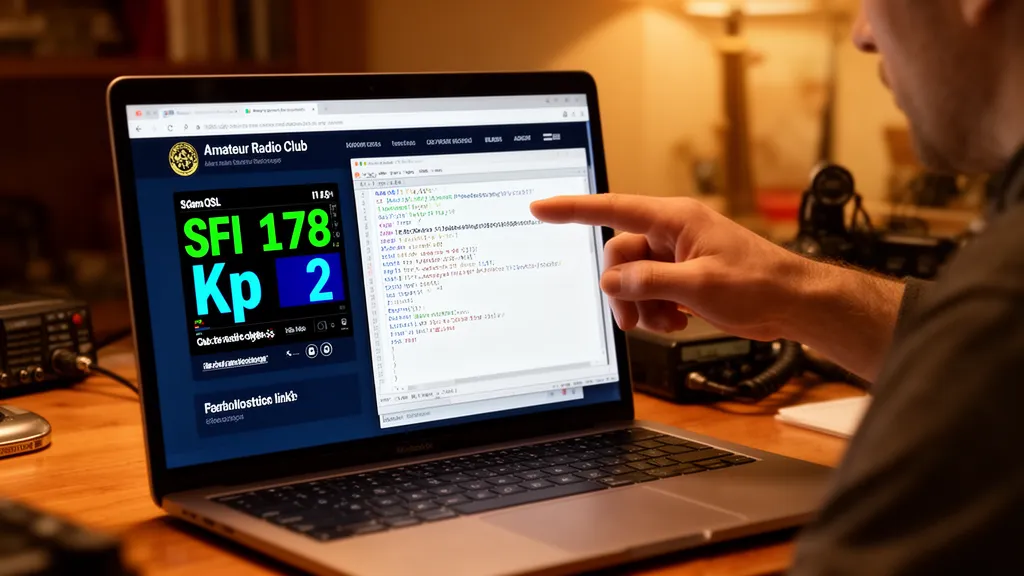
Operator’s Verdict: The HamQSL widget is a single HTML img tag — the easiest way to add live solar conditions to any website. For linking to full propagation tools, use DXRadar. For interactive embedded maps, PSKReporter’s embeddable map works as an iframe. Most club websites use the HamQSL widget plus a prominent link to DXRadar or another full dashboard.
The Quickest Way to Add Solar Data
The HamQSL solar widget by Paul Herrman (N0NBH) is the community standard for embeddable solar data. Adding it to any website requires pasting one block of HTML.
Standard HF Widget Embed Code
<a
  href="https://www.hamqsl.com/solar.html"
  title="Click to add Solar-Terrestrial Data to your site!"
>
  <img src="https://www.hamqsl.com/solar101.php" alt="Solar-Terrestrial Data" />
</a>
This produces the standard landscape widget showing:
- Solar Flux Index (SFI)
- Sunspot Number
- A-Index and K-Index
- HF band condition indicators (Good/Fair/Poor)
- X-ray flux level
VHF-Enhanced Version
<a
  href="https://www.hamqsl.com/solar.html"
  title="Click to add Solar-Terrestrial Data to your site!"
>
  <img
    src="https://www.hamqsl.com/solar101vhf.php"
    alt="Solar-Terrestrial Data"
  />
</a>
This adds 6m and VHF condition indicators in addition to the HF bands.
Portrait Version (Fits Narrow Sidebars)
<a
  href="https://www.hamqsl.com/solar.html"
  title="Click to add Solar-Terrestrial Data to your site!"
>
  <img
    src="https://www.hamqsl.com/solar101pict.php"
    alt="Solar-Terrestrial Data"
  />
</a>
Visit hamqsl.com/solar.html for all widget variants and styles.
Pro Tip: Monitor DXRadar’s solar weather dashboard for real-time space weather data — check it before every operating session.
Adding a DXRadar Link Button
For linking members to a full propagation dashboard, a styled link to DXRadar is appropriate:
<a
  href="https://dxradar.com/solar-weather"
  style="display:inline-block; padding:8px 16px; background:#1a56db;
          color:white; border-radius:6px; text-decoration:none; font-size:14px;"
>
  Live Solar Conditions
</a>
Or to the propagation map:
<a
  href="https://dxradar.com"
  style="display:inline-block; padding:8px 16px; background:#1a56db;
          color:white; border-radius:6px; text-decoration:none; font-size:14px;"
>
  DX Propagation Map
</a>
Adjust colours to match your club website’s design.
PSKReporter Embedded Map
PSKReporter offers an embeddable map suitable for iframes:
<iframe
  src="https://www.pskreporter.info/pskmap.html?callsign=&band=14MHz&period=900&showtx=1&showrx=0"
  width="600"
  height="400"
  frameborder="0"
>
</iframe>
Adjust parameters:
band=— e.g.,14MHz,7MHz,28MHzperiod=— seconds of history (900 = 15 minutes)showtx=1— show transmitter spotsshowrx=1— show receiver spots
This produces an interactive map showing recent FT8 activity on the specified band. It updates automatically.
Recommendations for Different Website Types
Club Website Sidebar
The HamQSL widget (130–200px wide) fits cleanly in most website sidebars. The compact size provides useful at-a-glance information without dominating the layout.
Club Website Main Page
Larger widget (560px) or a combination of the widget + prominent link buttons to DXRadar and PSKReporter. Many club homepages feature a “Current Conditions” section with the widget and links.
Personal Radio Page
Embed the HamQSL widget plus a PSKReporter iframe filtered to your preferred band. This creates a live personalised propagation display showing conditions on your most-used bands.
WordPress Sites
Most WordPress themes support HTML widgets in sidebars — paste the HamQSL embed code directly into a “Custom HTML” widget block. The image updates automatically without WordPress plugin support.
Mobile-First Sites
The HamQSL widget image is fixed-width — test that it doesn’t overflow on narrow mobile screens. Use the smaller 130px or 200px version, or wrap it in a responsive div with max-width: 100%; overflow: hidden;.
Keeping It Simple
For most operators, the recommendation is straightforward:
- Embed the HamQSL widget for live solar indices (free, one HTML snippet, zero maintenance)
- Add a link to DXRadar for members who want full propagation maps and solar weather detail
- Add a link to PSKReporter for members who want to see digital mode propagation maps
This covers the full spectrum from quick-glance summary (widget) to deep propagation analysis (DXRadar) to digital-mode-specific mapping (PSKReporter), at no cost and with no ongoing maintenance burden.
Frequently Asked Questions
What is the easiest way to add solar conditions to my website?
The easiest way to add solar conditions to a ham radio website is the HamQSL solar widget by N0NBH. It’s a free embeddable image that displays current SFI, Kp, band conditions, and other solar indices. You embed it with a single HTML img tag pointing to the HamQSL server — the image updates automatically with no maintenance required on your part. The widget is available in multiple sizes (130px wide to 560px wide) and styles (landscape, portrait, dark theme). It has been in continuous operation for over 15 years and is widely used on amateur radio club websites.
How do I embed the HamQSL widget on my website?
To embed the standard HamQSL solar widget, add this HTML to your webpage: . The src URL determines which widget style is displayed. Replace ‘solar101vhf.php’ with ‘solar101.php’ for the standard HF-focused version, or ‘solar101vhf.php’ for VHF-enhanced. Visit hamqsl.com/solar.html for all available styles and sizes with ready-to-copy embed codes.
Can I embed live propagation maps on my website?
Full interactive propagation maps like DXRadar’s are web applications that don’t easily embed as static widgets. Options for adding propagation data to your website: (1) Use the HamQSL widget for solar indices; (2) Add a link button to DXRadar’s live propagation map or solar weather page; (3) Use an iframe pointing to DXRadar’s band pages (note: iframe embedding policies vary); (4) Use the PSKReporter embeddable map (available at pskreporter.info/pskmap.html) which is designed for embedding. For most club websites, a combination of the HamQSL widget plus a prominent link to a full propagation resource like DXRadar is the most practical approach.
What size widget works best for website sidebars?
For sidebar embedding, the 130-pixel wide HamQSL widget fits most sidebar layouts. For main content areas, the 560-pixel wide version provides a more detailed display. The widget scales with a width parameter — check hamqsl.com/solar.html for exact size parameters. Many club websites use the medium (300px) size as a balance between detail and sidebar fit. The widget height is fixed in proportion to width, so sizing is primarily controlled by the width parameter in the embed code.
How often does the HamQSL widget update?
The HamQSL widget updates approximately every 3–5 minutes, pulling fresh data from NOAA SWPC. The image is served from the HamQSL server with a short cache time, so visitors to your website see data that is generally less than 10 minutes old. The K-index value updates every 3 hours when NOAA publishes a new planetary K estimate. The SFI (solar flux) value updates when NOAA releases new flux measurements, typically several times per day. The image-based embed approach means your website server serves no solar data directly — all data comes from HamQSL’s servers.